
Blog
AI Video Creation: Full Tutorial on Synthesia and InVideo AI

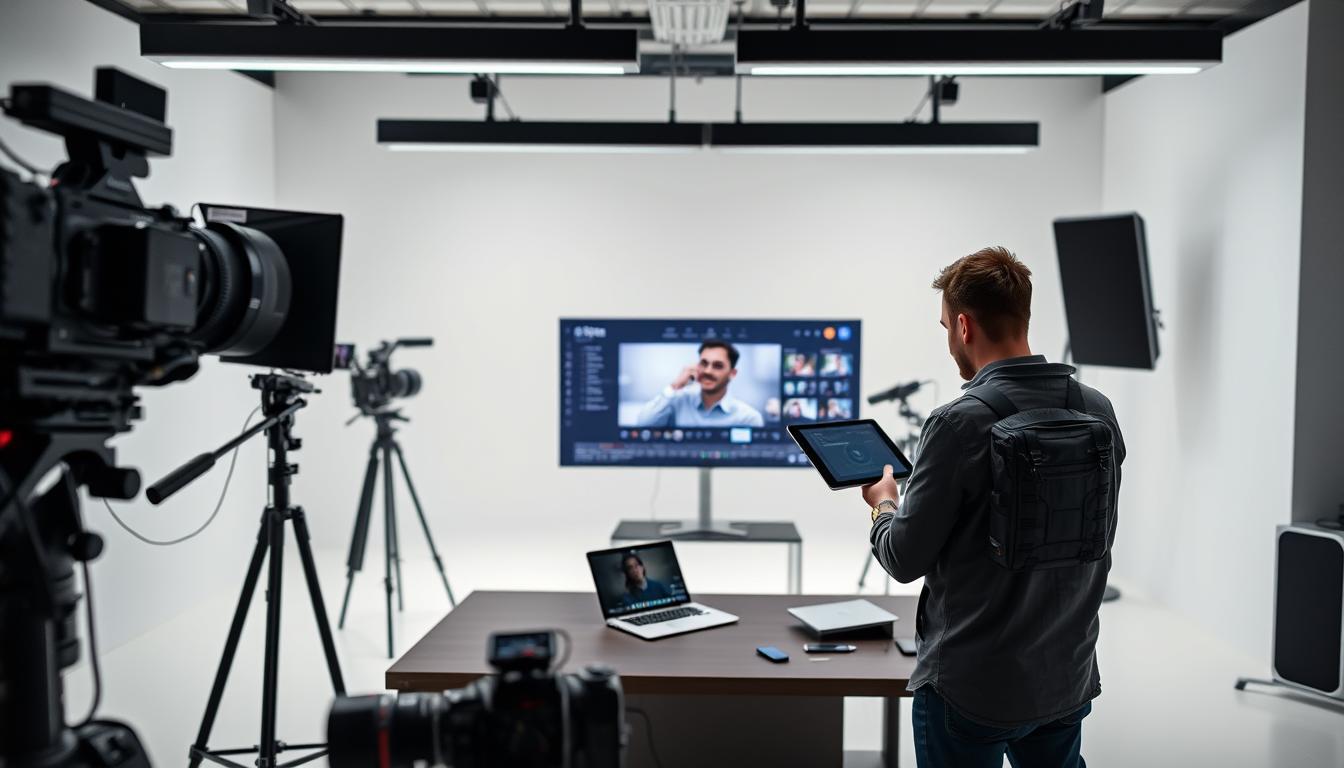
Creating engaging videos has become easier with the advent of AI video generators. Tools like Synthesia and InVideo AI are revolutionizing the way we produce video content, making it more accessible and efficient. In this article, we will explore how to use these platforms to create high-quality videos.
Whether you’re a marketer, educator, or content creator, AI-powered video creation can help you produce professional-looking videos without extensive video editing experience. This tutorial will guide you through the process of using Synthesia and InVideo AI, covering the key features and benefits of each platform.
Key Takeaways
- Understand the basics of AI video creation and its applications.
- Learn how to use Synthesia for creating professional-looking videos.
- Discover the features and benefits of InVideo AI for video creation.
- Get tips on optimizing your video content for different platforms.
- Explore the potential of AI-powered video creation for your business or project.
The Power of Artificial Intelligence (AI) in Video Creation
The power of AI in video creation lies in its ability to automate complex tasks, allowing creators to focus on storytelling. Artificial Intelligence (AI) is transforming the video production landscape by providing tools that are both powerful and user-friendly.
How AI is Revolutionizing Video Production
AI is revolutionizing video production by simplifying the editing process, automating tasks such as color correction and audio ducking, and even generating content based on scripts. This not only speeds up production but also opens up new creative possibilities.
Key Benefits for Content Creators and Marketers
Content creators and marketers benefit greatly from AI in video creation. The key advantages include:
- Time and Cost Efficiency: AI tools reduce the time and cost associated with traditional video production methods.
- Accessibility for Non-Technical Users: AI-powered platforms make it possible for those without extensive technical knowledge to create professional-looking videos.
Time and Cost Efficiency
By automating many of the labor-intensive aspects of video production, AI significantly reduces the time and cost required to produce high-quality videos. This efficiency allows creators to produce more content in less time.
Accessibility for Non-Technical Users
AI video generators, such as those covered in our AI video generator tutorial, provide intuitive interfaces that guide users through the creation process, making video production accessible to everyone.
Getting Started with AI Video Generators
AI video generators are revolutionizing the way we create content, offering unprecedented ease and efficiency. As you begin your journey with these tools, it’s essential to understand their capabilities and limitations.
Essential Features of Modern AI Video Tools
Modern AI video tools come equipped with a range of features that simplify the video creation process. These include AI-powered scriptwriting, automated video editing, and customizable templates. When selecting an AI video generator, look for tools that offer these features to streamline your workflow.
System Requirements and Technical Considerations
Before diving into AI video creation, ensure your system meets the necessary requirements. Most AI video generators are cloud-based, requiring a stable internet connection and a modern web browser. Some advanced tools may demand more robust hardware, so it’s crucial to check the system requirements before starting.
Setting Realistic Expectations for AI-Generated Content
While AI video generators are incredibly powerful, it’s vital to set realistic expectations. Understand that AI-generated content may require some fine-tuning to meet your specific needs. Familiarize yourself with the tool’s capabilities and limitations to achieve the best results in your AI video generator tutorial or Synthesia review.
Introduction to Synthesia: AI Video Creation Platform
In the realm of AI video creation, Synthesia stands out as a pioneering platform. Synthesia is revolutionizing the way businesses and individuals produce video content by leveraging advanced AI technology.
What is Synthesia and Its Core Technology
Synthesia is an AI video creation platform that enables users to produce high-quality, professional-looking videos without the need for extensive video editing experience. At its core, Synthesia utilizes sophisticated AI algorithms to generate videos based on user input, such as scripts and avatar selections. This technology allows for the creation of customizable AI avatars that can be used to narrate videos in multiple languages.
Available Pricing Plans and Feature Tiers
Synthesia offers a range of pricing plans to suit different user needs, from individuals to large enterprises. The plans vary in terms of features, such as the number of AI avatars available, video resolution, and the ability to customize branding elements. By offering tiered pricing, Synthesia ensures that users can select a plan that aligns with their video creation requirements and budget.
Account Creation and Dashboard Overview
Creating an account with Synthesia is straightforward. Users can sign up on the Synthesia website and begin exploring the platform’s features through the intuitive dashboard. The dashboard provides access to video creation tools, template libraries, and analytics to track video performance. This user-friendly interface makes it easy for new users to get started with AI video creation.
Step-by-Step Synthesia Tutorial
In this comprehensive tutorial, we’ll walk you through the process of creating stunning videos with Synthesia. This step-by-step guide will cover everything from navigating the user interface to customizing your AI avatars and finalizing your video.
Navigating the Synthesia User Interface
The first step in creating your video is to familiarize yourself with Synthesia’s intuitive interface. Upon logging in, you’ll be greeted by a clean dashboard that allows you to start a new project, access your existing videos, or explore the template library. The user-friendly design ensures that both beginners and professionals can navigate the platform with ease.
Creating and Customizing AI Avatars
Synthesia’s AI avatars are a key feature of the platform. To create your avatar, follow these steps:
- Select from a diverse range of pre-designed avatars that best suit your video’s tone and style.
- Personalize your chosen avatar by adjusting its appearance, clothing, and accessories to align with your brand identity.
Avatar Selection and Personalization
When selecting an avatar, consider the context of your video and the message you want to convey. Synthesia offers a variety of avatars, each with its unique characteristics. You can further personalize your avatar by adjusting its clothing and accessories, ensuring it aligns with your brand’s visual identity.
Adjusting Speaking Style and Tone
To make your avatar more engaging, you can adjust its speaking style and tone. Synthesia allows you to fine-tune these aspects to match your video’s narrative. “The ability to customize the avatar’s tone is crucial for creating a video that resonates with your target audience.”
“AI avatars are revolutionizing the way we create video content, making it more accessible and personalized.” –
Script Writing and Voice-Over Implementation
A compelling script is the backbone of any successful video. When writing your script, keep in mind the tone and pace that will work best with your AI avatar’s narration. Synthesia’s text-to-speech technology ensures that your script is brought to life with natural-sounding voice-overs.
Background Selection and Visual Customization
The background and visual elements of your video play a crucial role in capturing your audience’s attention. Synthesia offers a range of background options and customization tools to help you create a visually appealing video. You can choose from pre-designed backgrounds or upload your own to ensure brand consistency.
By following this step-by-step tutorial, you’ll be well on your way to creating professional-looking videos with Synthesia. Remember to experiment with different avatars, scripts, and backgrounds to find the perfect combination for your project.
Advanced Techniques in Synthesia
Synthesia’s advanced techniques allow users to create sophisticated, professional-grade videos with ease. By leveraging these features, content creators can significantly enhance the quality and impact of their AI-generated videos.
Creating Multi-Scene Professional Videos
One of the key advanced features in Synthesia is the ability to create multi-scene videos. This allows users to craft complex narratives or presentations that engage viewers across multiple segments.
To create a multi-scene video, simply add new scenes as needed, customize each scene with different backgrounds, avatars, or text overlays, and arrange them in the desired order. This flexibility enables the creation of dynamic, professional-looking videos that can convey detailed information or tell compelling stories.
Incorporating Brand Elements and Custom Logos
Synthesia allows users to incorporate their brand elements and custom logos into their videos, ensuring consistency with their brand identity. This is particularly useful for businesses and marketers looking to maintain a professional image across their video content.
To add your brand elements, simply upload your logo and any other brand assets to Synthesia, and then incorporate them into your video using the platform’s intuitive editing tools.
Leveraging Pre-Made Templates for Efficiency
Synthesia offers a range of pre-made templates that can significantly streamline the video creation process. These templates are designed to be easily customizable, allowing users to quickly produce high-quality videos.
By leveraging these templates, users can save time on video production while still achieving professional results. This feature is particularly beneficial for those new to AI video creation or those looking to produce content quickly.
Exporting and Sharing Your Finished Videos
Once your video is complete, Synthesia provides various options for exporting and sharing your content. Users can choose from different video formats and resolutions to suit their needs.
To share your video, you can directly export it from Synthesia to your desired platform, whether that’s social media, a website, or a video hosting site. Synthesia’s flexibility in exporting options ensures that your finished videos can be easily distributed across various channels.
By mastering these advanced techniques in Synthesia, users can unlock the full potential of AI video creation, producing high-quality, engaging videos that captivate their audience.
Introduction to InVideo AI Platform
InVideo AI is revolutionizing the video creation landscape with its cutting-edge technology. This AI video generator tutorial will guide you through the capabilities, subscription options, and setup process of InVideo AI.
Understanding InVideo AI’s Capabilities
InVideo AI offers a robust platform for creating professional-grade videos using artificial intelligence. Its capabilities include:
- Text-to-video conversion
- AI-powered script generation
- Customizable templates
- Advanced video editing features
According to a recent review, “InVideo AI has simplified the video creation process, making it accessible to creators of all skill levels.”
“InVideo AI has transformed our content creation process, allowing us to produce high-quality videos quickly and efficiently.” – Marketing Expert
Subscription Options and Feature Comparison
InVideo AI offers various subscription plans tailored to different user needs. The plans include:
| Plan | Features | Price |
|---|---|---|
| Basic | Text-to-video, limited templates | $25/month |
| Pro | Advanced templates, AI script generation | $50/month |
| Enterprise | Custom solutions, dedicated support | Custom Pricing |
For a detailed comparison, refer to the InVideo AI guide on their official website.
Setting Up and Configuring Your InVideo Account
To get started with InVideo AI, follow these steps:
- Create an account on the InVideo AI website
- Choose your subscription plan
- Set up your profile and preferences
- Start creating your first video using the text-to-video feature
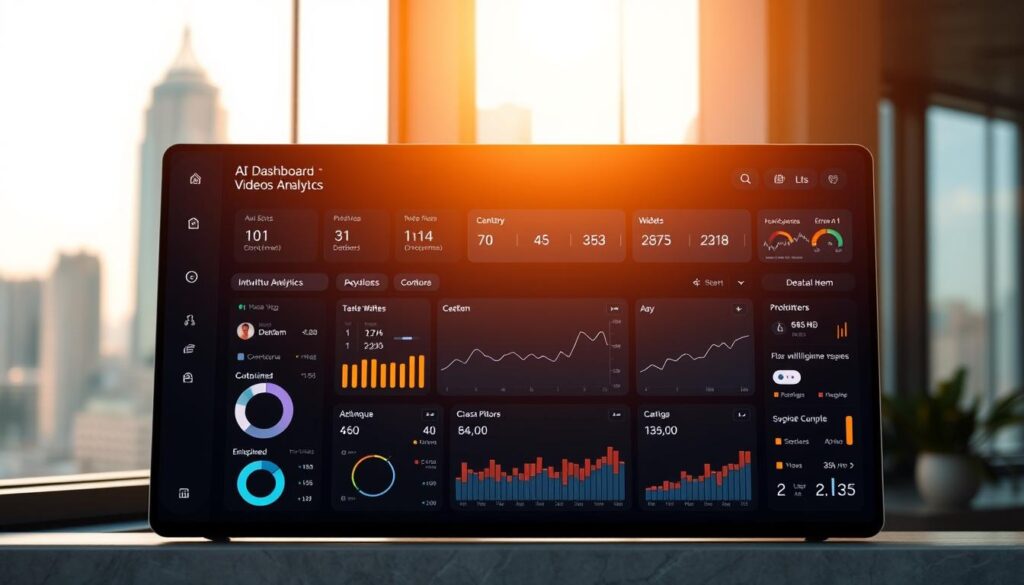
By following this AI video generator tutorial, you’ll be well on your way to creating stunning videos with InVideo AI.
Comprehensive InVideo AI Guide
InVideo AI’s cutting-edge technology enables users to generate professional-grade videos quickly and efficiently. This comprehensive guide will walk you through the key features and capabilities of the InVideo AI platform.
Mastering the InVideo Dashboard
The InVideo dashboard is designed to be user-friendly, allowing creators to navigate and utilize its features with ease. Upon logging in, users are presented with a clean interface that provides access to various tools and templates.
Using AI-Powered Text-to-Video Conversion
InVideo AI’s text-to-video conversion feature is a powerful tool that transforms written content into engaging videos. To get the most out of this feature, it’s essential to understand how to write effective text for conversion and optimize AI-generated scenes.
Writing Effective Text for Conversion
When writing text for conversion, focus on clear and concise language. Avoid jargon and overly complex sentences that may confuse the AI.
Optimizing AI-Generated Scenes
To optimize AI-generated scenes, review the output carefully and make adjustments as needed. This may involve tweaking the script or selecting different visual elements.
Working with InVideo’s Template Library
InVideo’s template library offers a wide range of pre-designed templates for various video types. These templates can be customized to fit your brand and style, saving time and effort in the video creation process.
| Template Type | Description | Customization Options |
|---|---|---|
| Social Media | Templates designed for social media platforms | Text, images, colors |
| Explainer Videos | Templates for creating explainer videos | Script, visuals, animations |
| Promotional Videos | Templates for promotional content | Branding, call-to-actions, transitions |
Adding Professional Effects and Transitions
InVideo AI allows users to add professional effects and transitions to enhance their videos. For more information on AI video generators, you can visit top AI video generator web apps.
By mastering these features, you can create high-quality, engaging videos that capture your audience’s attention.
Advanced InVideo AI Techniques
Advanced techniques in InVideo AI enable marketers to produce broadcast-quality videos that resonate with their target audience. By leveraging the platform’s sophisticated features, content creators can significantly enhance the quality and impact of their video content.
Creating Broadcast-Quality Marketing Videos
InVideo AI offers a range of tools to create high-quality marketing videos. To achieve broadcast-quality results, users can utilize the platform’s advanced editing features, including multi-scene video creation and customizable templates. High-resolution output options ensure that the final product is crisp and professional.
Platform-Specific Optimization Strategies
Optimizing videos for different platforms is crucial for maximizing reach and engagement. InVideo AI allows users to tailor their content for various channels.
Social Media Video Optimization
For social media, videos can be optimized by adjusting aspect ratios, using attention-grabbing thumbnails, and incorporating captions. InVideo AI’s templates are designed with social media best practices in mind, making it easier to create engaging content.
Website and Presentation Videos
When creating videos for websites or presentations, InVideo AI enables users to customize their content to fit the specific requirements of each platform. This includes adjusting video dimensions, selecting appropriate color schemes, and incorporating branding elements.
Leveraging AI for Script Generation and Enhancement
InVideo AI’s script generation capabilities can significantly streamline the content creation process. The AI can suggest improvements to the script, ensuring that it is engaging and well-structured. By leveraging these features, users can create compelling narratives that capture their audience’s attention.
Comparing Synthesia and InVideo AI: Which to Choose
Choosing between Synthesia and InVideo AI can be challenging without a thorough comparison. Both platforms offer unique features and benefits for AI video creation.
Feature-by-Feature Comparison
Both Synthesia and InVideo AI offer advanced features for video creation. Synthesia excels in AI avatar customization, while InVideo AI offers more text-to-video conversion options.
| Feature | Synthesia | InVideo AI |
|---|---|---|
| AI Avatars | Highly customizable | Limited customization |
| Text-to-Video | Limited | Advanced |
Pricing Structure Analysis
Synthesia and InVideo AI have different pricing structures. Synthesia offers a free trial, while InVideo AI provides a range of subscription plans.
Best Use Cases for Each Platform
When Synthesia Excels
Synthesia is ideal for creating personalized training videos with AI avatars.
When InVideo AI is the Better Choice
InVideo AI is better suited for marketing videos using its text-to-video feature.
Practical Tips for Creating Effective AI Videos
To produce compelling AI-generated videos, understanding the nuances of AI video creation is crucial. Effective AI video production hinges on a deep understanding of both the technology and the message being conveyed.
Writing Scripts Optimized for AI Narration
When writing scripts for AI narration, clarity and conciseness are key. Avoid complex sentences and jargon that the AI might struggle to articulate. Instead, opt for simple, direct language that resonates with your audience.
Selecting Appropriate Avatars and Visual Elements
The choice of avatar and visual elements can significantly impact the video’s effectiveness. Select avatars that align with your brand’s persona and ensure the visuals are relevant and engaging.
Avoiding Common AI Video Creation Mistakes
Common mistakes include overly long videos and poor synchronization between audio and visual elements. To avoid these, keep your videos concise and ensure that the AI’s narration is well-synced with the visuals.
Quality Assurance Checklist Before Publishing
- Review the script for clarity and conciseness
- Check the avatar and visual elements for brand consistency
- Ensure the video is not too long or too short
- Verify that the audio and visual elements are well-synced
| Tip | Description |
|---|---|
| Script Clarity | Ensure the script is clear and concise |
| Avatar Selection | Choose avatars that align with your brand |
| Video Length | Keep videos concise and engaging |
By following these practical tips, you can create effective AI videos that engage and resonate with your audience.
Conclusion: The Future of AI in Video Creation
The rise of Artificial Intelligence (AI) in video creation is transforming the way content is produced and consumed. Platforms like Synthesia and InVideo AI are at the forefront of this revolution, offering powerful tools that simplify and enhance the video creation process.
As AI technology continues to evolve, we can expect to see even more sophisticated AI video creation capabilities. This will enable content creators and marketers to produce high-quality, engaging videos more efficiently than ever before. The future of AI in video creation holds much promise, with potential applications across various industries, from marketing and education to entertainment.
By embracing AI video creation tools, businesses and individuals can stay ahead of the curve, leveraging the latest advancements in AI to drive their content strategies forward. As the technology continues to advance, it’s clear that AI will play an increasingly important role in shaping the future of video content.